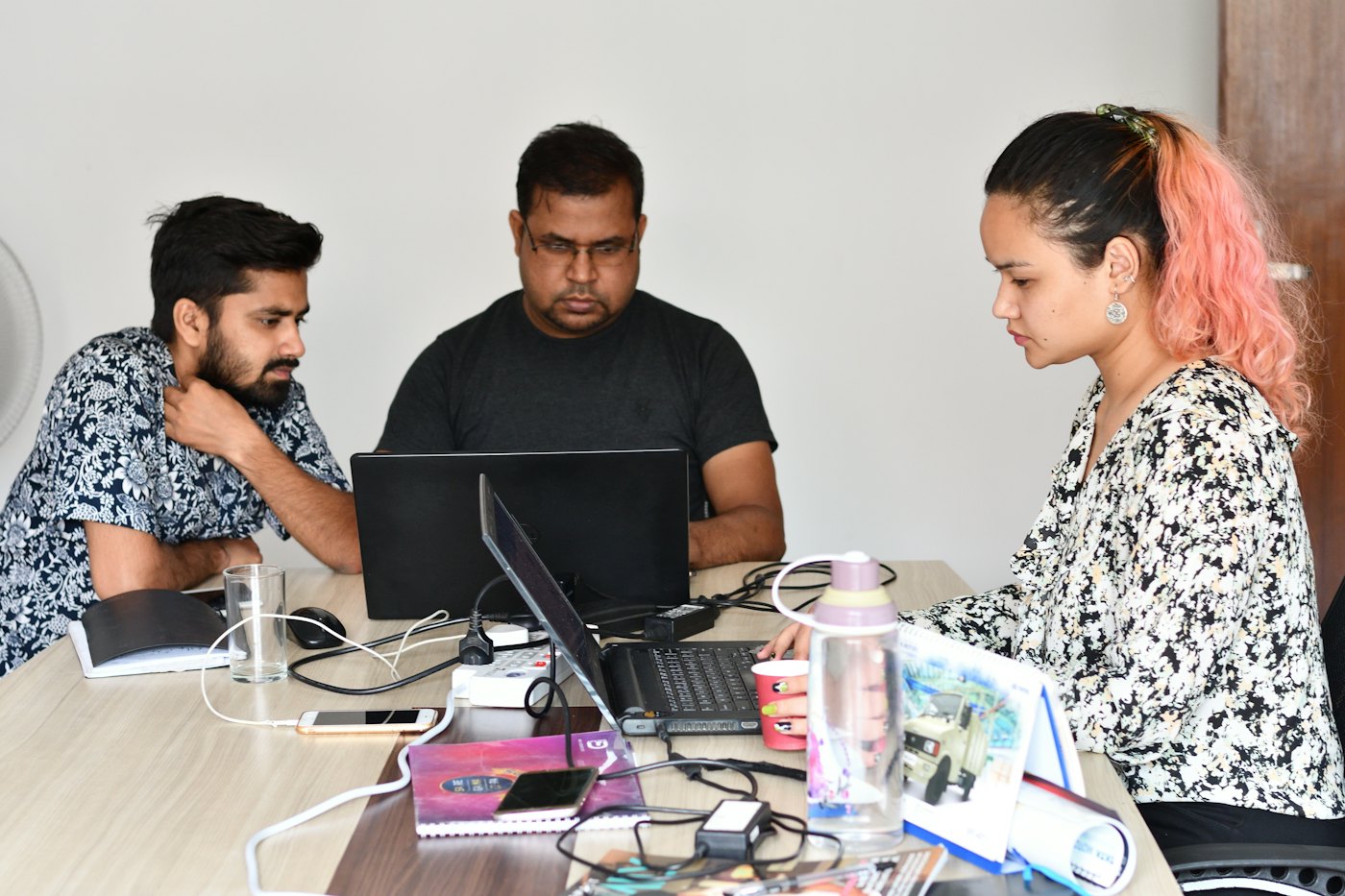
Offices and IT teams
- Ask for policy questions at any hour
- Leave with manager, then HR, approval
- Payroll with TDS under the new regime
- Help desk instead of HR inbox threads
Your people get answers from your own policies at any hour, apply for leave on their phone, and check in from anywhere. HR gets approvals, attendance, Indian payroll and a help desk in one place, on secure cloud in India.
Ask HR
How many casual leaves do I have left?
5 of your 8 casual leaves are left this year. Casual leave does not carry forward.
Leave Policy · section 3.2
Payslip · Sep 2026
What is included
Everything an HR team runs every month, built to work together: leave feeds attendance, attendance feeds payroll, and Ask points to the help desk.
Employees ask HR questions in plain words and get answers from your policies, with the document and page.
One searchable library, fed by uploads, a Google Drive folder and your website, indexed automatically.
Each person's own record, manager and team, kept up to date by HR.
The employee register: add, edit, import by CSV, photos, and a full history of every change.
Balances, manager then HR approval, comp-off, holidays, medical certificates and email reminders.
Check in and out on the server's clock, corrections with approval, and the monthly sheet for payroll.
Salary structures, PF, ESI, PT and TDS, the monthly run with approval, and payslips by email.
Tickets to HR from any page, or straight from an answer in Ask, followed through to resolved.
A tour
Real screens from the product, shown over the moments they are used. Names and figures here are examples.
Ask HR
What is the notice period if I resign?
60 days once you are confirmed, 15 days during probation. Your manager can agree to a shorter period.
Employee Handbook · Separation, p. 14
Ask
The same questions reach HR every week. Ask answers them at any hour, using only your organisation's policies, and shows where the answer came from. If the policies do not cover it, it says so and offers a ticket to HR.

Leave request
Balance after: 3 casual leaves
Leave
Employees see their balance and apply from a calendar. The manager approves, then HR, and everyone involved gets an email at each step. Anything left waiting gets a reminder the next morning.
September attendance
24 of 25 days
1 day casual leave · hours this week
Attendance
Staff check in and out on a phone or laptop, and the time comes from the server, not the device. Each day's status is worked out from punches, approved leave and holidays, so fixing one input fixes the day.
Payroll run · Sep 2026
Checked with your CA before salaries are paid.
Payroll
Salary structures, the monthly run with PF, ESI, professional tax and TDS under the new regime, and loss of pay straight from attendance and leave. HR reviews and approves; payslips go out by email.

Ticket #1042 · Payroll
My payslip shows a day of loss of pay, but my leave was approved.
Thanks, Rahul. It was approved after the cut-off; we have corrected it for October.
Resolved · can be reopened for 14 days
Help desk
When something needs a person, the employee raises a ticket and follows it. HR replies and moves it from open to in progress to resolved; the employee can reopen it within 14 days.
A month with Dhilabs HR
1st
Added in People; profile, manager and leave balance ready on day one.
Daily
From a phone or laptop, with the time taken from the server.
12th
Applied from the calendar, approved by the manager and then HR.
18th
Ask answers the notice period from the handbook, with the page.
25th
The month's attendance is locked and the payroll run opens.
Payday
Payroll approved after your CA checks it; payslips go out by email.
Security
HR holds the most personal data a company has. Dhilabs HR is built so each company's data stays its own, and so you can show your employees exactly how it is protected.
Policies, answers and HR records are kept per organisation. The organisation comes from the signed sign-in token, never from the browser.
Passwords with authenticator-app MFA, password reset by email, and sign-up limited to your company's email domains.
Encrypted with its own key that only payroll can use, and every look at salary data is logged.
Runs in AWS's Mumbai region, behind a web application firewall with rate limits.
Ask answers only from your documents, shows its sources, and keeps a log of questions for a year.
Fully serverless, every resource defined in code and deployed through an approval step.
What it costs to run
These are the real cloud costs of running Dhilabs HR for our own company, from the AWS bill. The full architecture and cost breakdown is public.
≈ ₹1,400
a month in cloud cost for the whole platform today, GST included
≈ ₹15
per employee a month in cloud cost at 200 employees
0
servers to run or patch
Who it is for
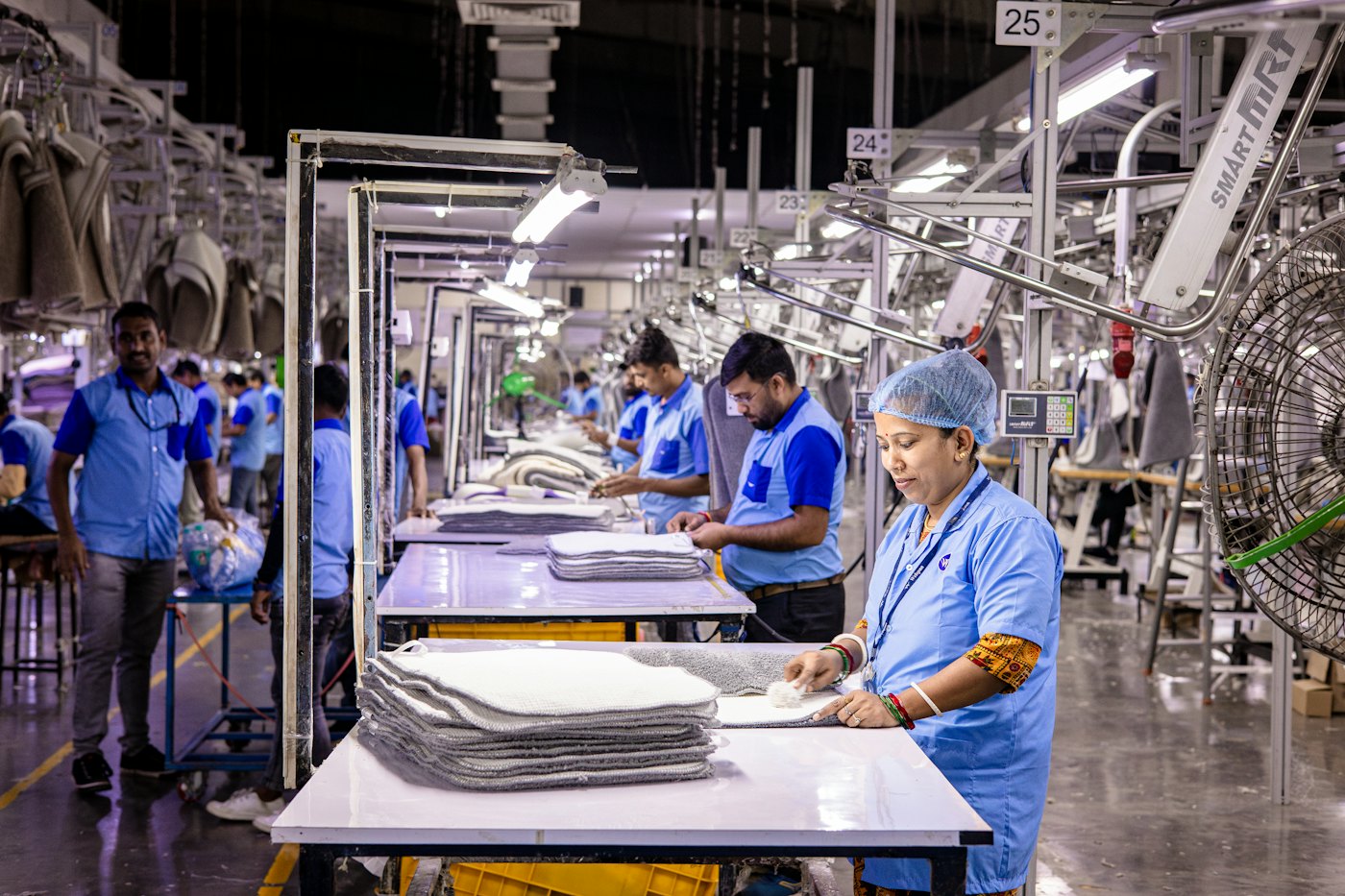
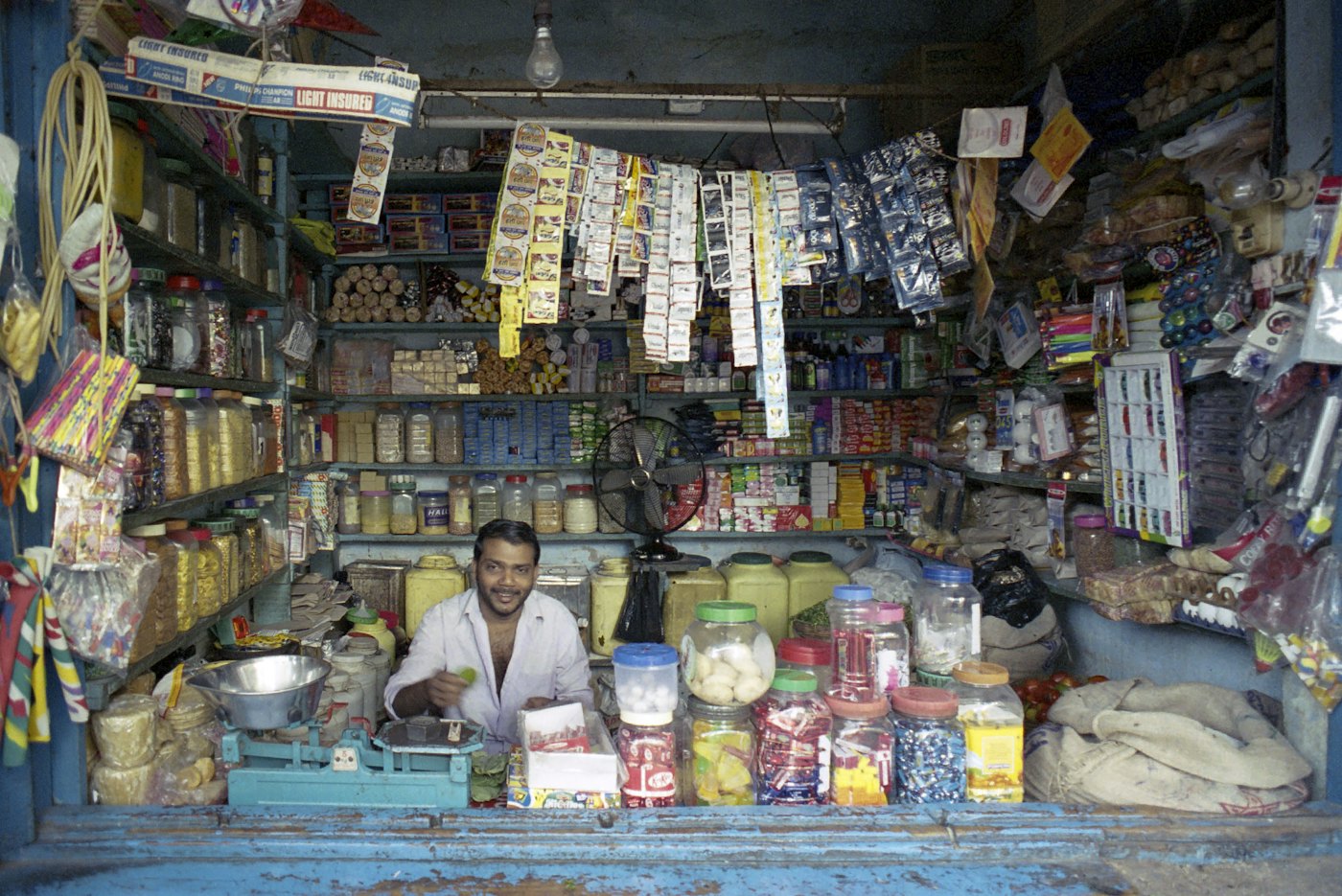
Offices, factories and shops each run HR differently. The same product fits each one.
Getting started
Free. We set up your organisation, sign-in and email domain.
Upload policies, import people by CSV, and set leave rules and holidays.
Employees get an invite email and set up their own sign-in with MFA.
Run alongside your current process and check it with your CA before switching over.
Dhilabs HR
Tell us how many people you have and how you run HR today. We will set up your organisation and show you Dhilabs HR with your own policies.
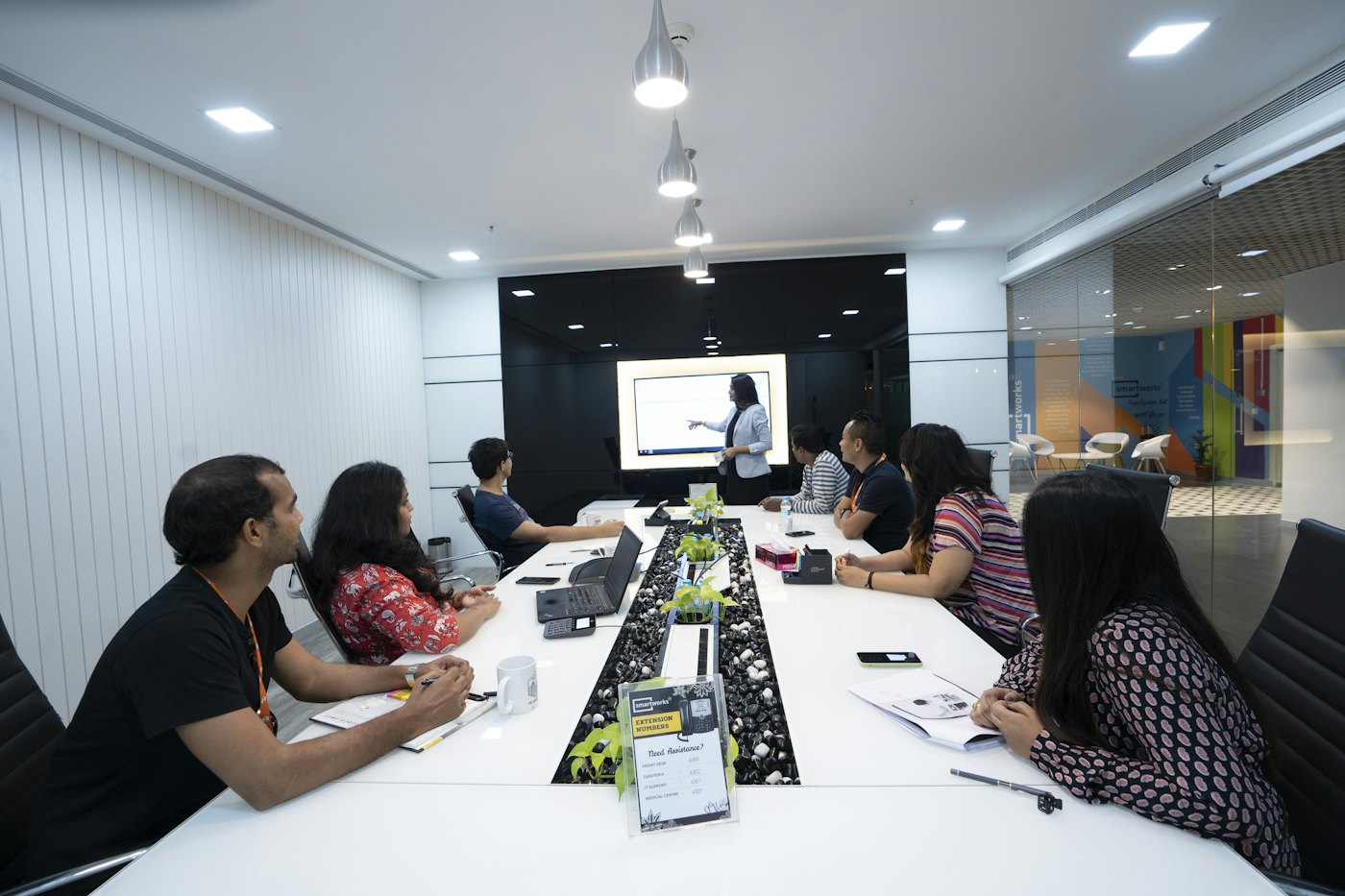
Photos are from Unsplash. Names and figures in the app screens are examples; payroll figures are checked with a chartered accountant before salaries are paid.